Welcome to the Claw Family
The Claw family is a collection of open-source AI agent frameworks that share a common philosophy: personal AI that you own and control.
Each member of the family serves a different use case:
- OpenClaw - Full-featured personal AI assistant (200K+ GitHub stars)
- PicoClaw - Ultra-lightweight Go agent for embedded devices
- ZeroClaw - Rust-based, security-first runtime
- nanobot - Ultra-lightweight Python assistant (~4,000 LOC)
- ClawHub - The skill registry powering the ecosystem
The Claw Family
Side-by-Side Comparison
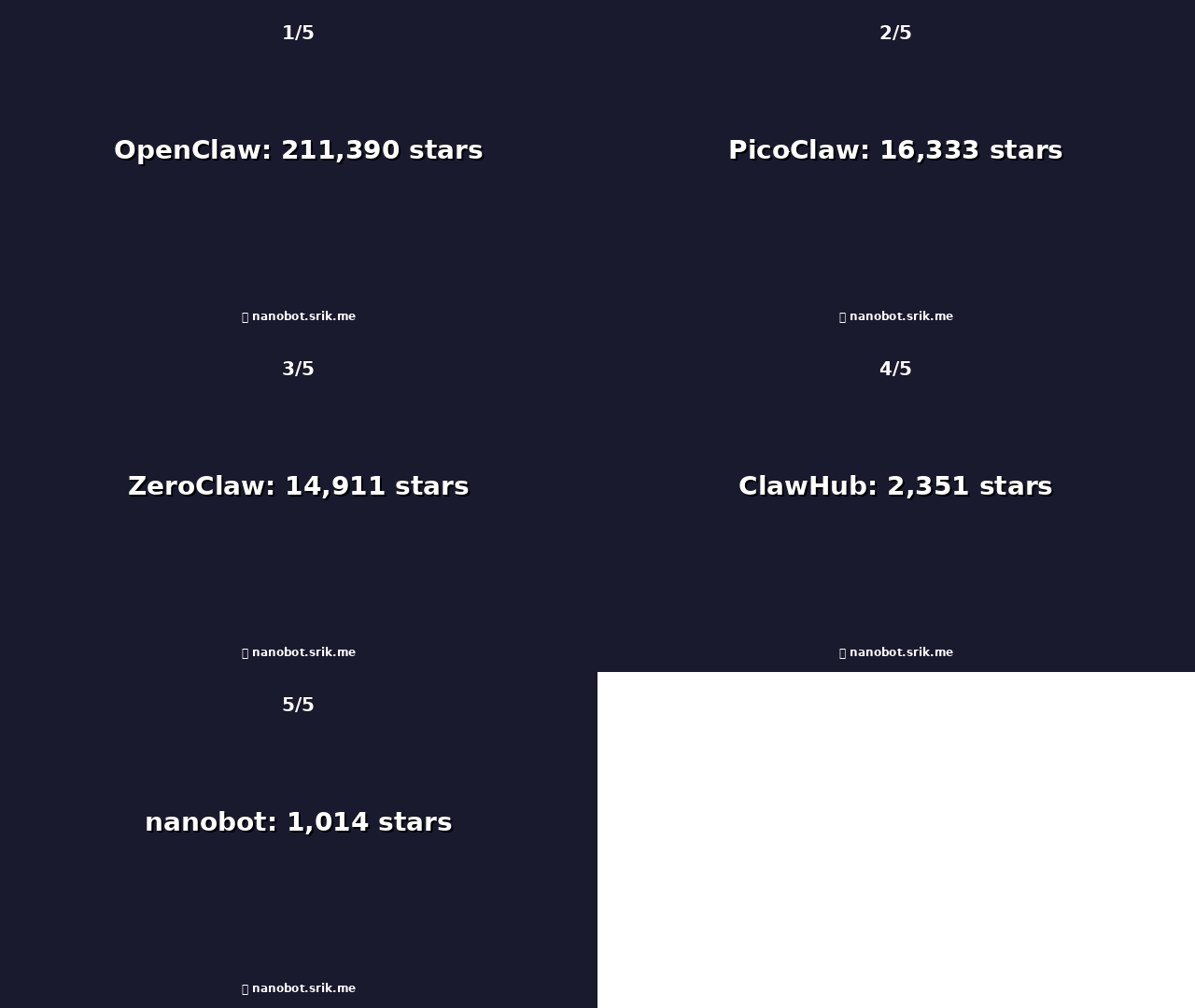
| Framework | Stars | Forks | Language | Size | Best For |
|---|
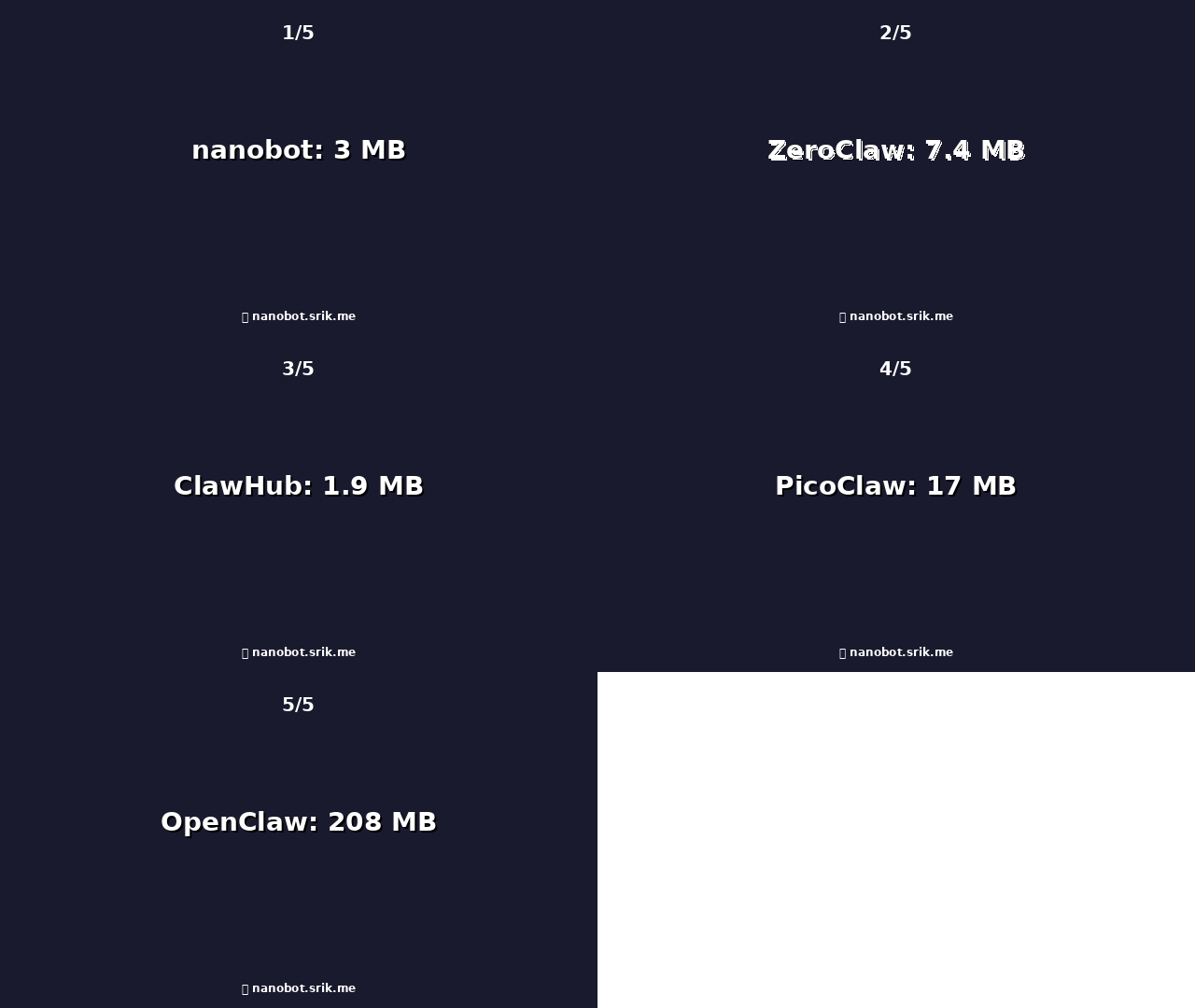
Repository size comparison (smaller = more lightweight)
Which Claw Should You Choose?
🦞 I want a full-featured personal AI assistant
Best choice: OpenClaw
- TypeScript-based, full-featured personal AI assistant
- Multi-channel support (WhatsApp, Telegram, Discord, etc.)
- Multi-agent routing with isolated workspaces
- Tool system with 5,700+ community skills via ClawHub
- Local-first gateway architecture
# Install OpenClaw (requires Node.js >= 22)
npm install -g openclaw@latest

# Run onboarding wizard
openclaw onboard --install-daemon

# Start the gateway
openclaw gateway --port 18789
📱 I want to run AI on $10 hardware / old phones
Best choice: PicoClaw
- Go-based, ultra-lightweight (<10MB RAM)
- Runs on Raspberry Pi Zero, old Android phones, embedded Linux
- Single self-contained binary
- Fast boot times (~1 second)
- Chat apps: Telegram, Discord, QQ, DingTalk, LINE
# Download binary from releases
wget https://github.com/sipeed/picoclaw/releases/download/v0.1.1/picoclaw-linux-arm64
chmod +x picoclaw-linux-arm64
./picoclaw-linux-arm64

# Or build from source
git clone https://github.com/sipeed/picoclaw.git
cd picoclaw
make build
🔒 I need security-first, production-grade infrastructure
Best choice: ZeroClaw
- Rust-based, memory-safe runtime
- <5MB RAM, 400x faster startup than OpenClaw
- Zero-trust architecture with explicit permissions
- Trait-driven architecture (swap providers, channels, tools)
- Full-stack search engine (vector + keyword)
- Security-by-design (pairing, sandboxing, allowlists)
# Clone and bootstrap
git clone https://github.com/zeroclaw-labs/zeroclaw.git
cd zeroclaw
./bootstrap.sh

# Or install with cargo
cargo install zeroclaw

# Run onboarding
zeroclaw onboard --api-key sk-... --provider openrouter

# Chat
zeroclaw agent -m "Hello, ZeroClaw!"

# Start gateway
zeroclaw gateway
🐈 I want a lightweight AI assistant (Python)
Best choice: nanobot
- Python-based, ~4,000 LOC (99% smaller than OpenClaw)
- Multiple channels: Telegram, Discord, WhatsApp, Slack, Email, QQ, DingTalk, Feishu
- 13+ LLM providers (OpenRouter, Anthropic, OpenAI, DeepSeek, Groq, etc.)
- MCP (Model Context Protocol) support
- Skills system for extensibility
- Docker support
# Install nanobot (Python >= 3.11)
pip install nanobot-ai
# or
uv tool install nanobot-ai

# Initialize and configure
nanobot onboard

# Chat with agent
nanobot agent

# Start gateway for chat platforms
nanobot gateway
🧩 I want to find and use AI agent skills
Best choice: ClawHub
- 5,700+ community-built skills
- Vector search for skill discovery
- CLI for easy installation
- Works with all Claw family frameworks
# Search for skills
clawhub search "weather forecast"

# Install a skill
clawhub install weather-skill

# List installed skills
clawhub list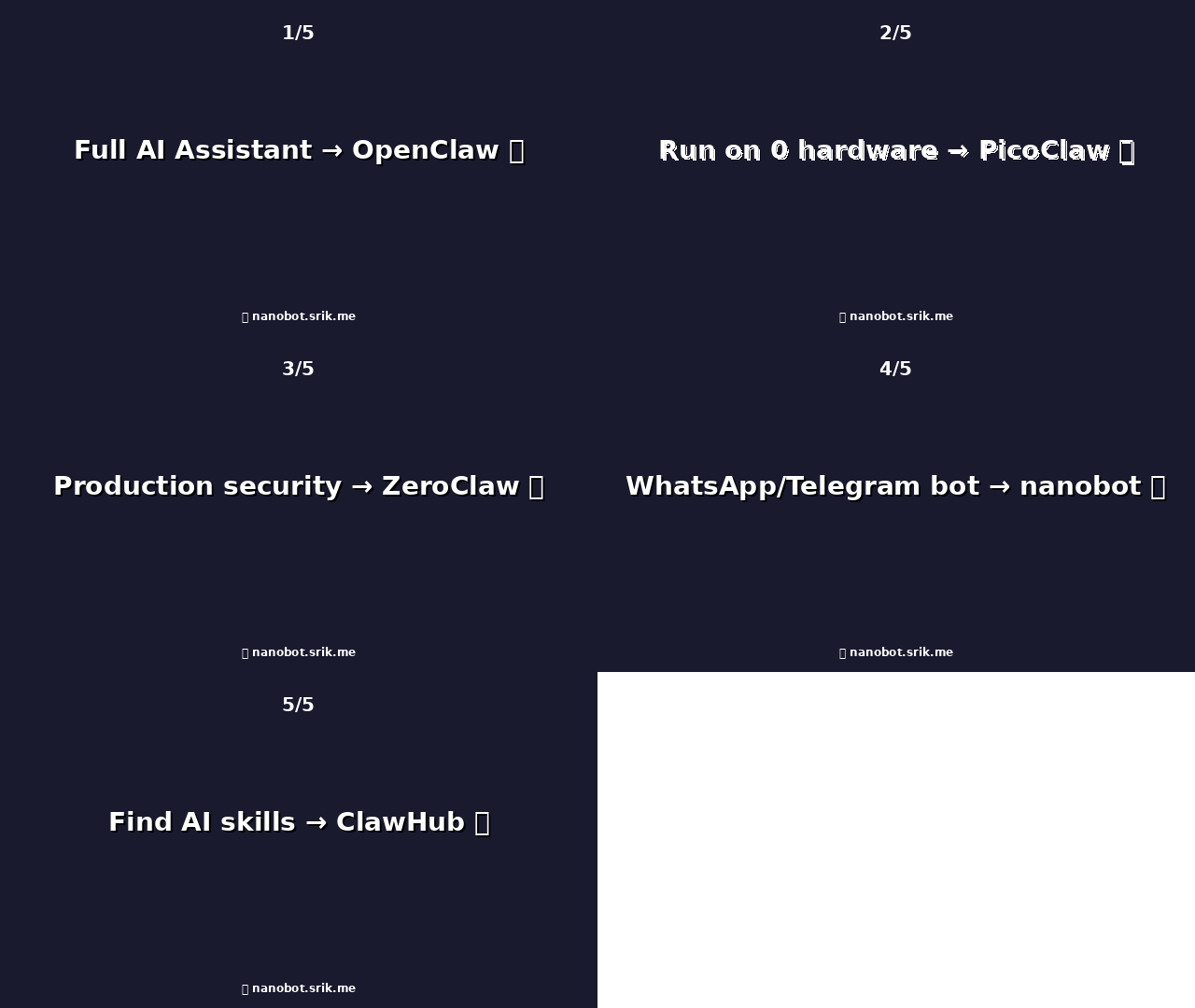
Choose the right Claw for your needs
🔒 Security Considerations
- Review tool permissions - Only grant access to necessary systems
- Sandbox execution - Use containerized or sandboxed environments for code execution
- Audit skills - Review SKILL.md and source code before installation
- Secure configuration - Use `openclaw doctor` or similar tools to check configuration
- Keep updated - Install security updates promptly
Security Features by Framework
| Framework | Language Safety | Sandboxing | Tool Permissions | Audit Logs | Config Check |
|---|---|---|---|---|---|
| OpenClaw | TypeScript | ✅ Optional | ✅ Yes | ✅ Yes | ✅ `openclaw doctor` |
| PicoClaw | Go | ✅ Yes | ✅ Yes | ✅ Yes | ⚠️ Manual |
| ZeroClaw | Rust ✅ | ✅ Yes (default) | ✅ Explicit | ✅ Yes | ✅ `zeroclad check` |
| nanobot | Python | ⚠️ Optional | ✅ Yes | ✅ Yes | ⚠️ Manual |
🧩 ClawHub - The Skill Registry
ClawHub is the central repository for AI agent skills. With 5,700+ community-built skills, it's the easiest way to extend your agent's capabilities.
🔍 Vector Search
Find skills by functionality using semantic search. Describe what you need, and ClawHub will find matching skills.
📦 Easy Installation
One command to install skills. Dependencies are handled automatically.
⭐ Community Curated
Star ratings, reviews, and download counts help you find quality skills.
🛡️ Moderation
Automated scanning and community moderation helps prevent malicious skills.
# Popular skills to try:
clawhub install weather-skill          # Weather forecasts
clawhub install calendar-skill         # Calendar management
clawhub install github-skill           # GitHub operations
clawhub install spotify-skill          # Music control
clawhub install code-review-skill # Code review assistanceResources
Official Documentation
GitHub Repositories
Frequently Asked Questions
What is the Claw family?
The Claw family is a collection of open-source AI agent frameworks that share a common philosophy of personal AI ownership. They originated from OpenClaw (formerly Clawd/Moltbot), which went viral in 2025 with its lobster-themed personal assistant.
What's the difference between OpenClaw and the others?
OpenClaw is the full-featured "kitchen sink" framework with multi-channel support, multi-agent routing, and a local-first gateway. PicoClaw and ZeroClaw are focused, lightweight alternatives for specific use cases (embedded devices and production security, respectively).
Can I use ClawHub skills with any Claw framework?
Yes! ClawHub skills are designed to work across the Claw family. While OpenClaw has the most complete integration, PicoClaw and ZeroClaw also support the skill format.
Which framework is best for beginners?
For beginners, we recommend starting with nanobot for simple chat bots or OpenClaw if you want full functionality. OpenClaw has excellent documentation and a large community. PicoClaw and ZeroClaw require more technical familiarity.
Do I need to pay for API usage?
All Claw frameworks are open-source and free. However, they connect to LLM providers (OpenAI, Anthropic, etc.) which have associated costs. Some frameworks support local models for offline use.
Is the Claw family secure?
The Claw family prioritizes security with tool permissions, audit logs, and configuration checking tools. However, like any AI agent framework, you should review skills before installation and use sandboxed environments for code execution. See the Security section above for details on past incidents.
Claw Family Timeline
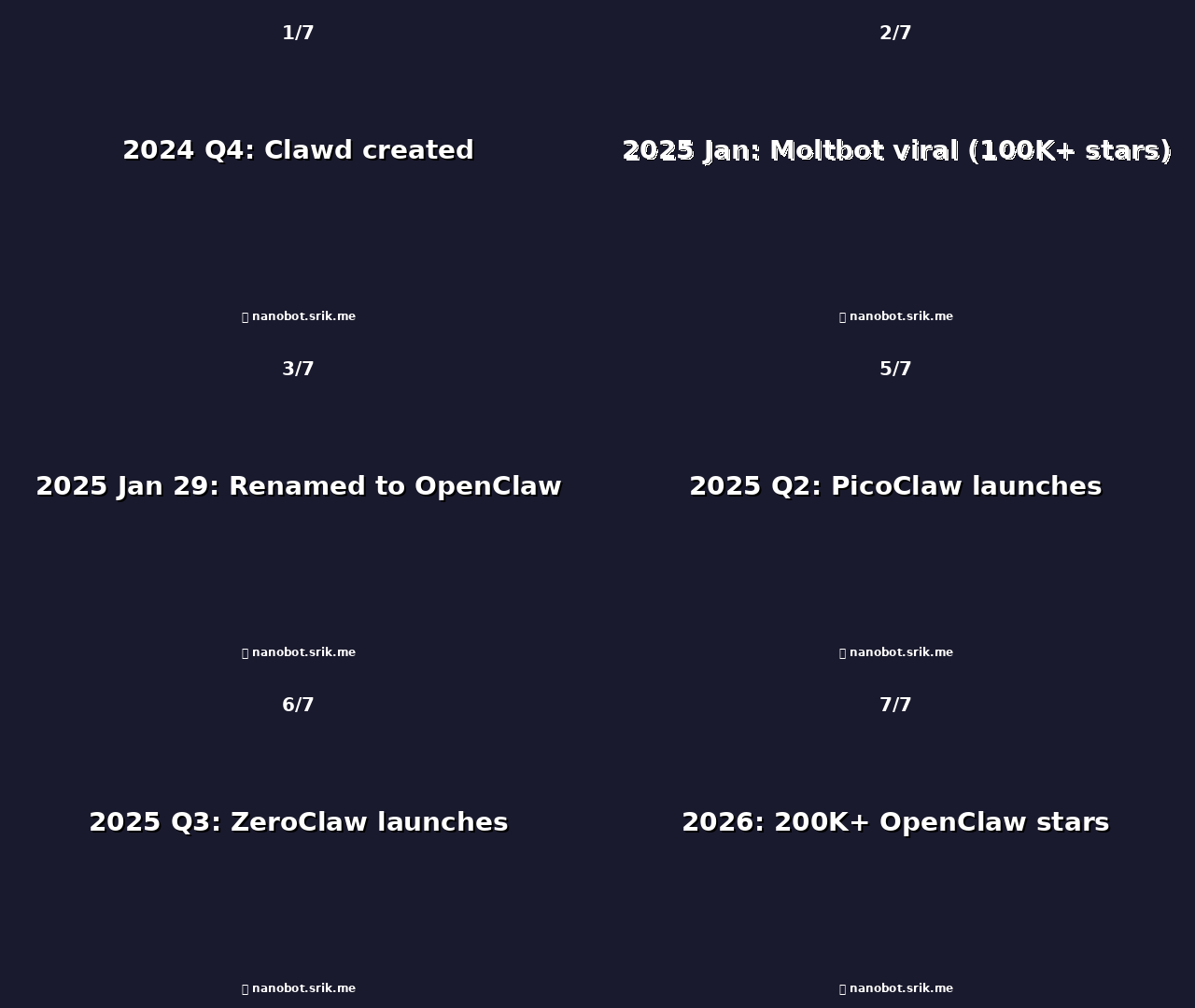
Evolution of the Claw family
- 2024 Q4 - Clawd created by Peter Steinberger
- 2025 January - Clawd renamed to Moltbot (lobster theme)
- 2025 January 27 - Moltbot goes viral (100K+ stars in weeks)
- 2025 January 29 - Anthropic trademark claim → renamed to OpenClaw
- 2025 February 15 - Peter Steinberger joins OpenAI
- 2025 Q2 - PicoClaw launches (Go-based, <10MB)
- 2025 Q3 - ZeroClaw launches (Rust-based, security-first)
- 2025 Q4 - ClawHub reaches 5,000+ skills
- 2026 - Ecosystem continues to grow with 200K+ OpenClaw stars